 Denver's BizDump— □ ×
Home › Denver's BizDump
Name
▰ Denver's Desk▰ Feetie CoversDesigned for the way you work
Your business runs its own way. Your software should too.
Start with one useful module or bring sales, jobs, stock, purchasing, production and finances together. Denver's Desk connects the work without forcing every business into the same routine.

Choose a section from the left to explore connected records, practical workflows and related capabilities.
Denver's Desk connects customers, quotes, jobs, stock and operations in one business system. Companion helps with supported tasks away from the desktop — on the floor, with the customer or at the counter.
Configure, approve, account for and oversee the operation.
Access supported tasks and capture what happens away from the desk.
Keep the person and the job in view.
Record supported work where it happens.
Configured Tap to Pay linked to invoices.
Denver's Display is developing a separate employee-facing interface.
The same twenty-one operational chapters describe Denver's Desk on both desktop and mobile. Open any section for its records and connections; Companion supports relevant work away from the desk.
Explore a demonstration environment, not a live customer's records. The desktop and mobile experiences are intentionally different.
Enter the desktop demonstration and explore a fictional business from inside Denver's Desk. It's an interactive sandbox, not a recording and not a live customer's installation.
This is the mobile operational app — useful at the counter, in the warehouse and beside the job. Transactions shown in the demonstration are fictional; supported features depend on setup and hardware.
Open the dedicated mobile Companion demonstration — without trying to squeeze the desktop interface into a phone.
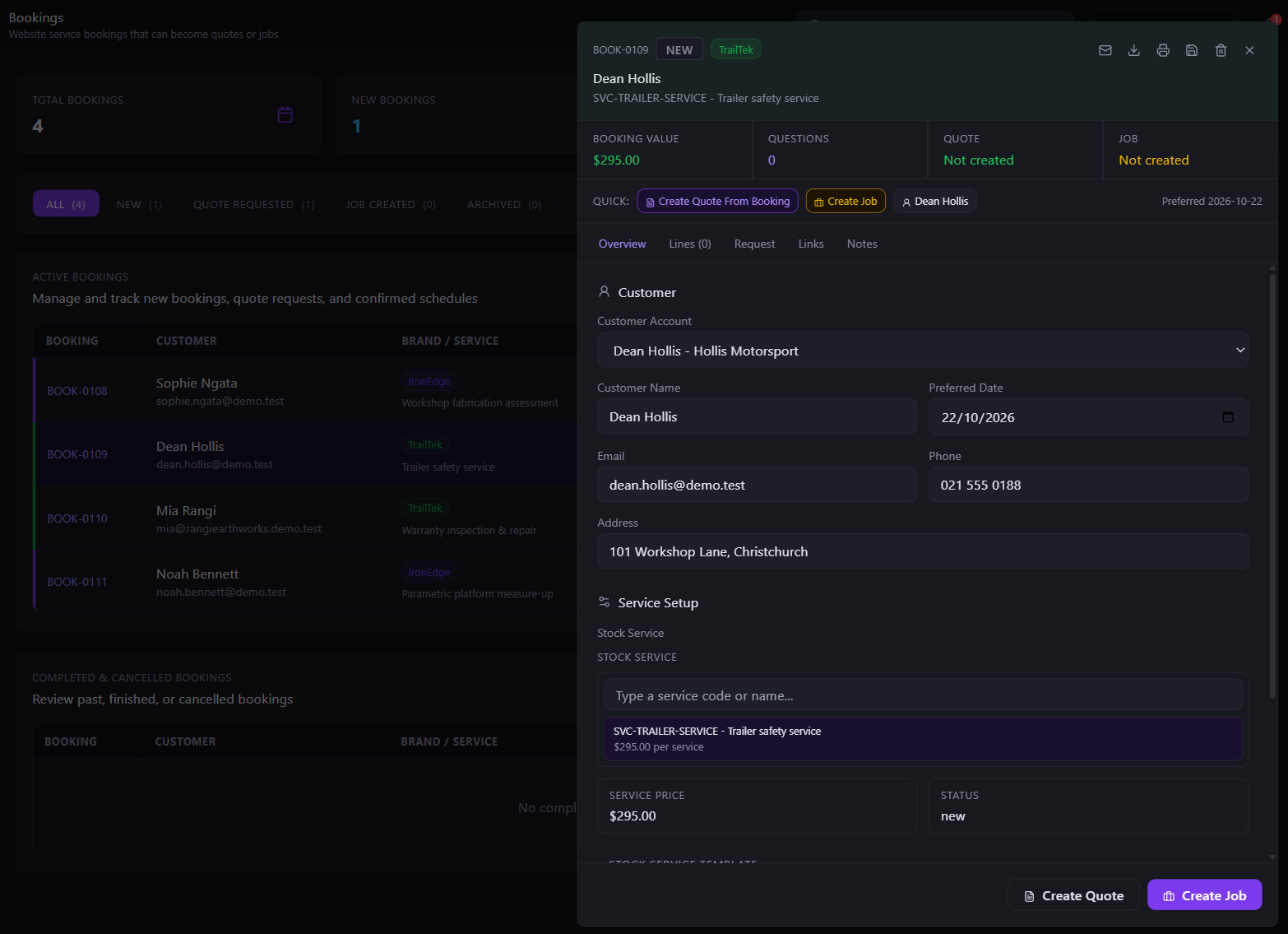
Website enquiries, bookings, quotes, orders and invoices can refer back to the same customer.
Choose sales, manufacturing, freight, workforce or software-management modules for the work you actually do. They share a desktop foundation and relevant records.
Quotes and orders retain their accepted commercial figures even when product prices or master records change later.
Move from enquiry to completed work while keeping the related customer, materials, charges and documents close by.
Check current orders, stock, jobs, production and dispatch activity from the same application.
The main application runs on desktop. Websites, Companion and specialist tools handle the work that belongs elsewhere.
Explore focused project stories, recorded walk-throughs and the operational detail behind each connected business.
Open project testimonialsCore Functions
These are the major operational areas, not a list of individual screens. The dedicated sections below explain how the underlying systems actually work.
Explore the Feature Atlas & Ask Chadwyvern ↗Scroll over a map card to deal the next over it. At the first or last card, continue scrolling down the page.
Made-to-order systems
A selectable colour, a calculated dimension and a compatible axle assembly are not the same problem. Denver's Desk doesn't pretend they are.
Stock through to finished goods
The inventory modules are connected to purchasing, production and jobs—not limited to a catalogue of quantities.
Sale to delivery
The answer depends on the business. These are the systems available to support the route—not a promise that every stage runs without staff input.
From quote to margin
The platform separates commercial snapshots from operational variance, so today's master-data edits don't rewrite yesterday's results.
The working relationships
From the first conversation to booked work and labour records, information is more useful when the context follows it.
Digital business operations
Software has products, customers, payments and lifecycles of its own. Those records can use the wider commercial foundation.
Workflow Explorer
Choose an operational area to inspect the related records. The separate Follow a Workflow page brings three complete business journeys together.
Historical transactions retain the values accepted at the time.
The website presents the product; Denver's Desk manages the order and stock information behind it.
Configurable Products, Parametric Products and Builds solve different product problems inside the same manufacturing system.
Invoice directly, or create the invoice from an order or completed work.
Follow materials through purchasing, stock receipt, manufacturing and freight.
Interactive Demo
Open the sidebar to inspect how the application's main areas are arranged. The records are fictional and nothing changes the live system.
 Denver's Desk • Interactive Demo
Denver's Desk Companion • Android
Currently, the Denver's Desk demo is roughly 12–15 builds behind the real application. The Demo App is a complete rebuild for its own purpose and requires significant additional work to bring up to date; we update it periodically.
On a PC? The full Denver's Desk desktop demo is available automatically on the desktop site.
Desktop Screens
Open a screenshot to inspect the layout and detail.
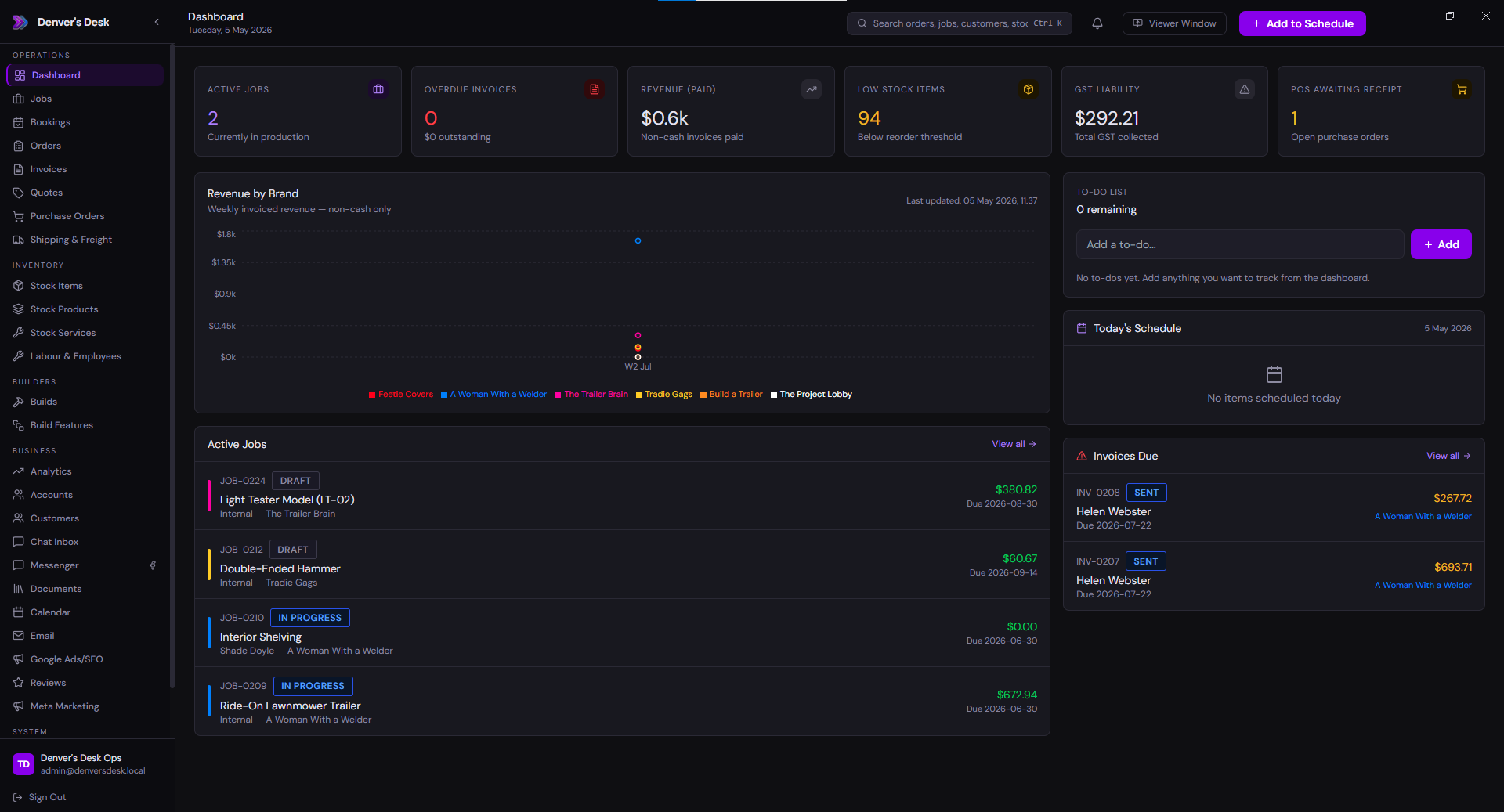
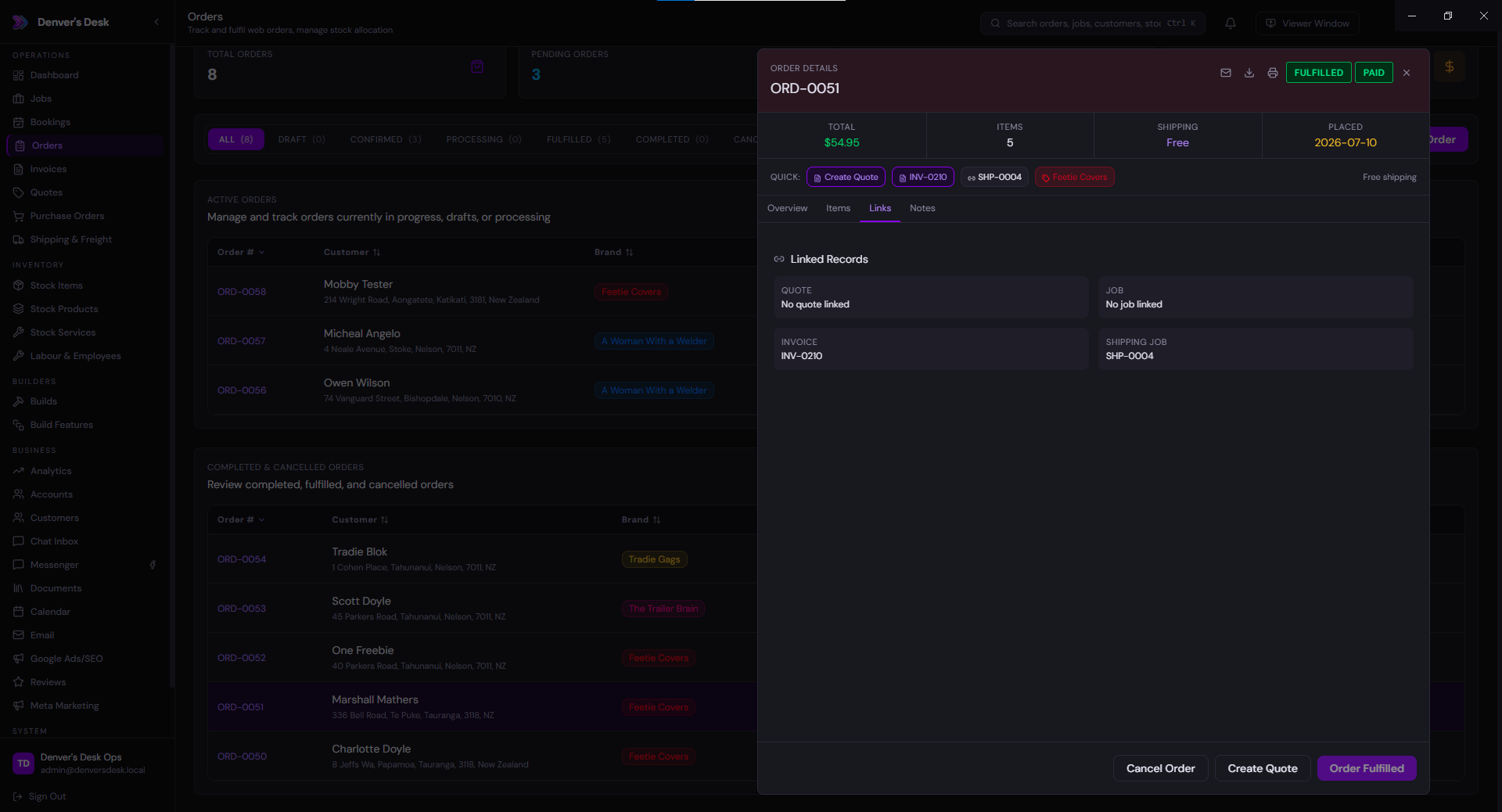
Orders, active jobs, stock and other work in one overview.
Core System
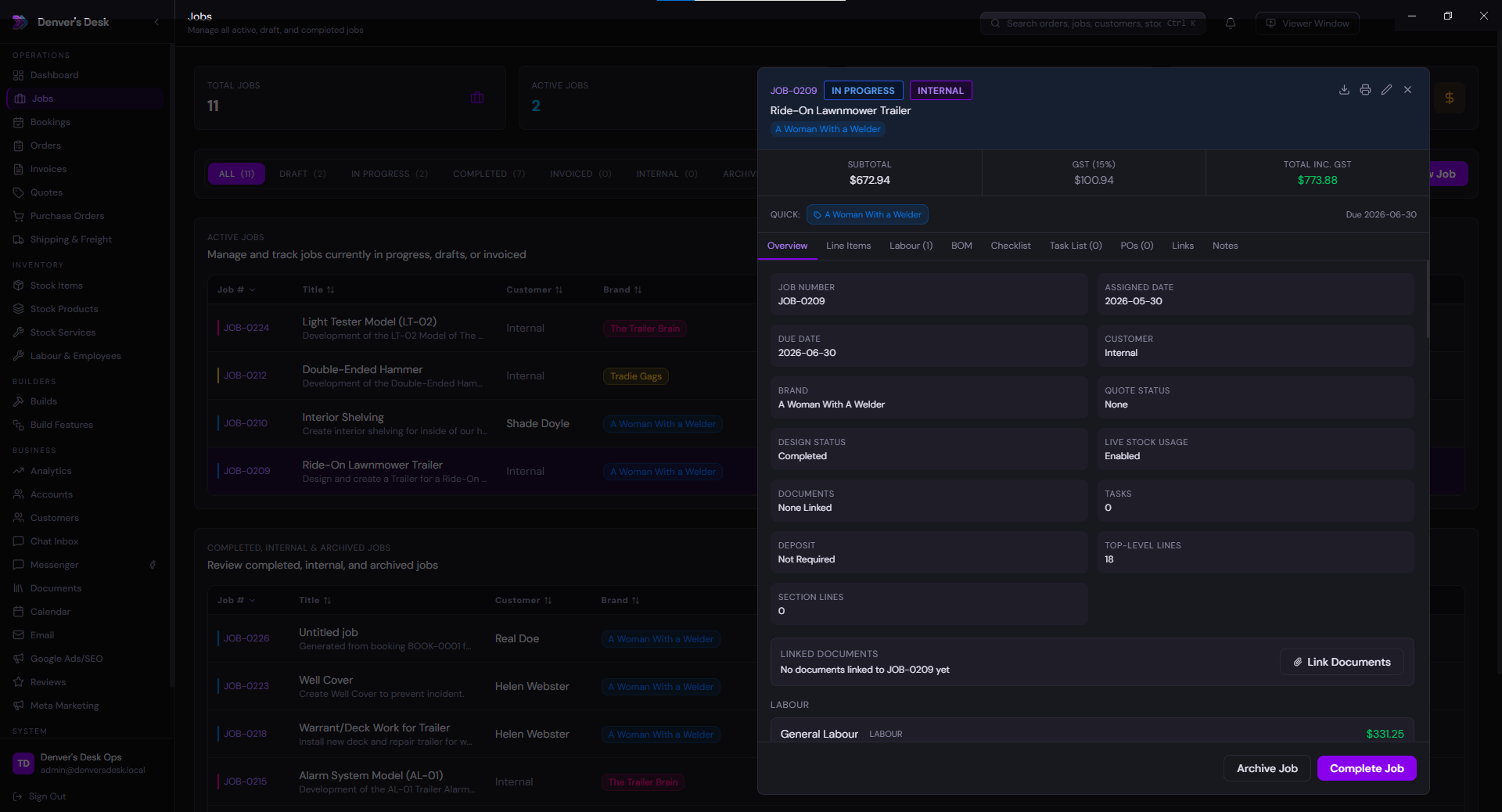
Materials, labour, notes, checklists and work progress together.
Operations Module
Website and manual orders with the price and configuration sold.
Commerce Module
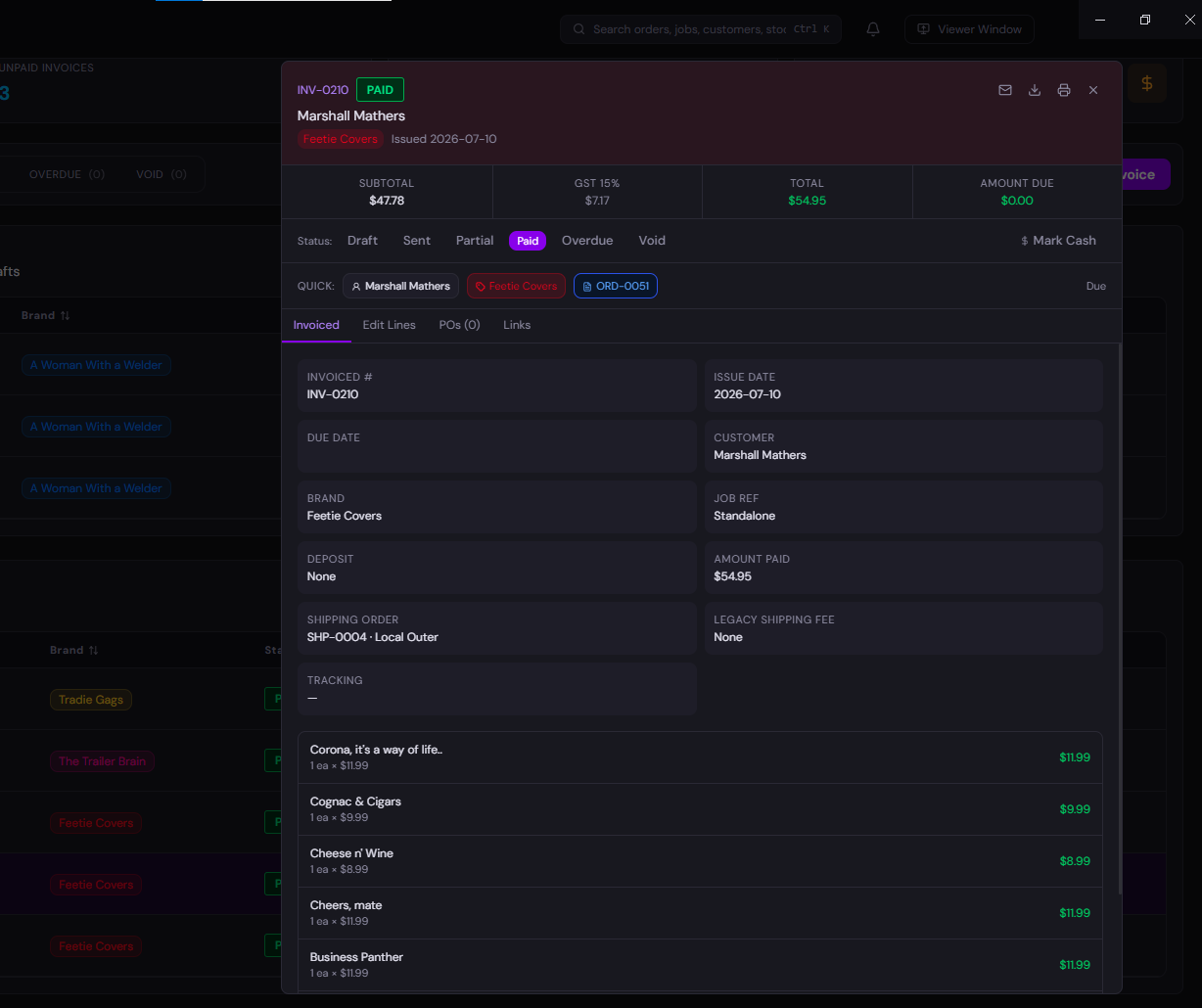
Invoices, deposits, charges and associated payment records.
Core Accounting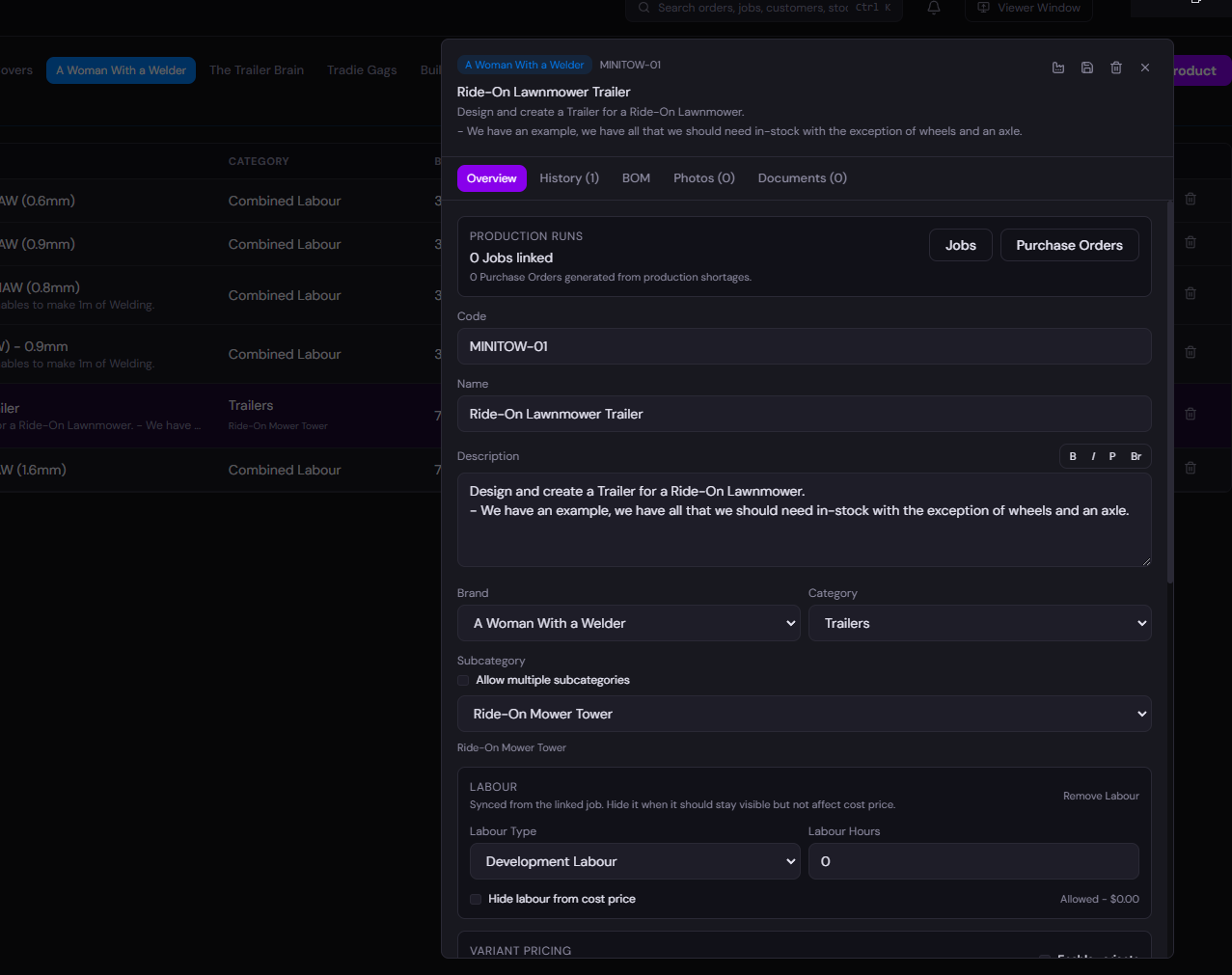
Items, manufactured Components and sellable Products, each with a defined role.
Inventory Module
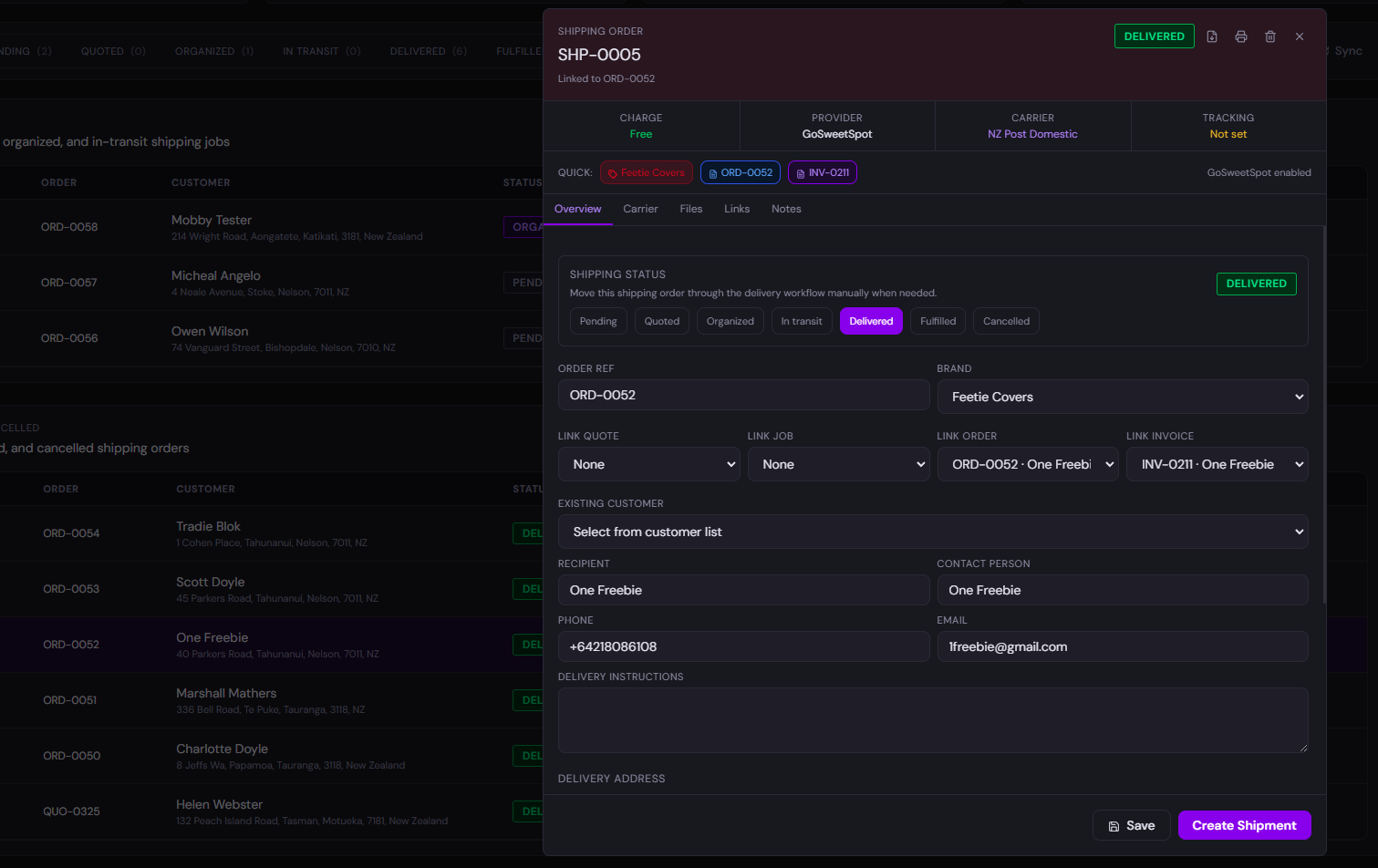
Purchase orders, stock receipts, freight and dispatch.
Logistics ModuleDesign Decisions
The point isn't to put everything on one screen. It's to stop the same customer, product and order information being entered in different places.
Where It Fits
These are examples of the types of work Denver's Desk has been designed to handle—not off-the-shelf packages being offered for sale.
Online and counter sales, customer records, stock, orders, invoices and dispatch.
Custom products built from stock, Components, Processes and configuration rules.
Application users, subscriptions, access rules and updates alongside the rest of the business.
Several brands or work types managed through the same application without treating every business as identical.
Purchasing, receiving, order fulfilment, freight labels and delivery records.
Import, export, customs and landed-cost records linked to purchasing and stock. Integration depth varies by workflow.
Enquiries, bookings, quotes, jobs, labour, materials and invoicing for workshop or on-site work.
Employee records, Labour Codes, timesheets and comparisons between sold and actual work.
Designed to meet you where you are



I'm the person behind Denver's Desk. I'm interested in the awkward problems between different parts of a business: the work nobody's off-the-shelf app quite fits, the systems that need to talk to each other, and the things people shouldn't have to enter twice.
Denver's Desk is an enormous project, but it's also part of a wider software studio. Websites, dedicated applications, integrations and migrations are separate services. You don't have to buy the ERP for us to build something useful for you.
I like building things, learning unusual technologies and proving that practical software doesn't have to be boring. The weird little experiments around this website are part of the point.
 Denver's BizCalc

.png)