CONTENTS / A-01
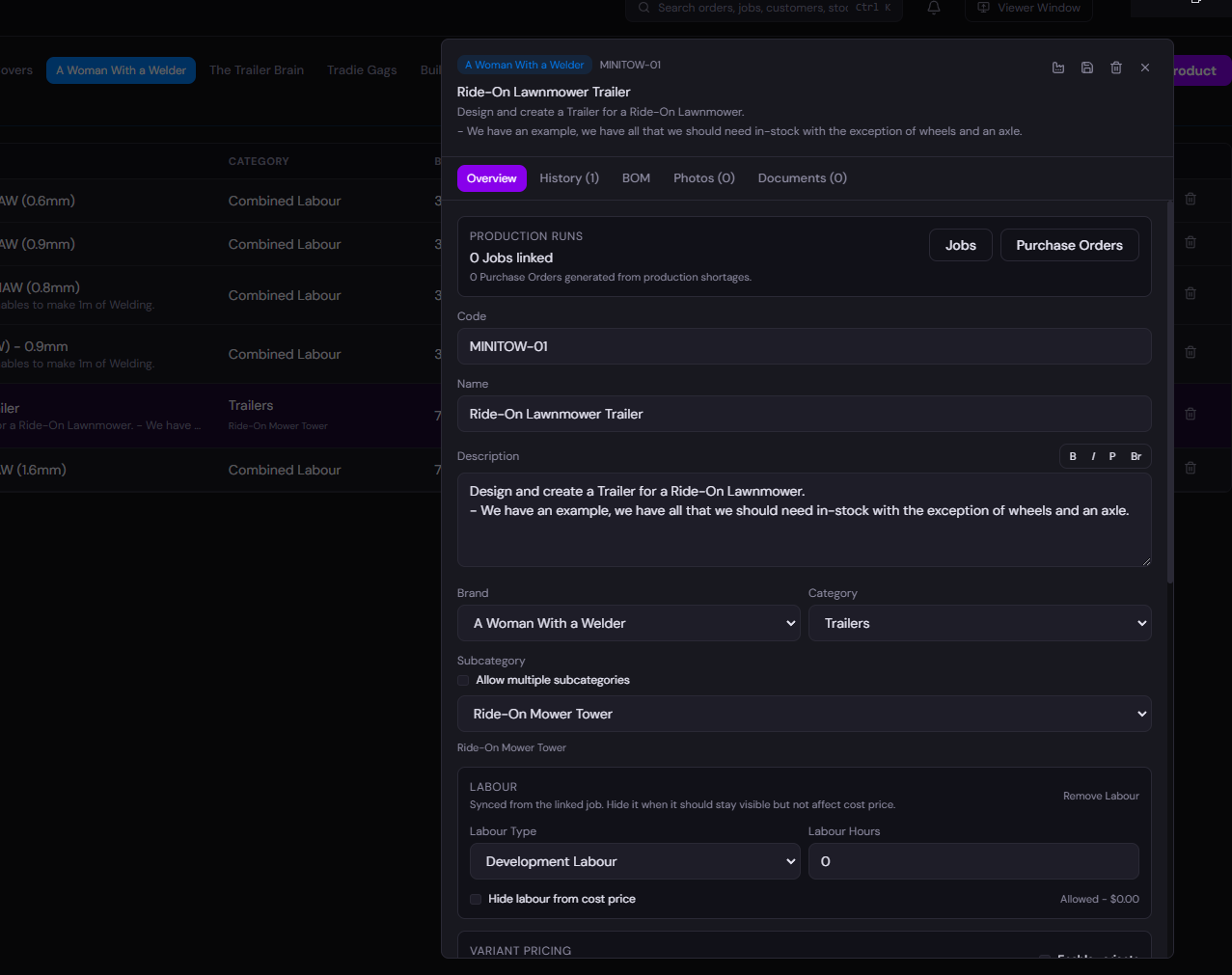
A purchase order is the intent. The delivery check is the truth. Compare ordered and received quantities before stock is put away.
A-01DENVER'S DESK / STAGED RECORD
 Denver's Desk OPERATION PROFILES / DESIGN STUDY
From supplier deliveries to a picked and shipped order, follow your physical stock without losing the transaction behind it.
THE WORKSPACE / STOCK TO TRACEABILITY
Select a shelf box in the real rack-style layout to explore the warehouse feature it represents. This is an illustrative feature map, not a live stock feed.
Choose any shelf slot to learn about receiving, storage, fulfilment or control. This is an illustrative feature map.
Browser-only demonstration with fictional quantities, references and bins. No backend or stock movements.
Every carton holds a piece of the same stock story. Open one and follow it from physical handling to its business record.
A purchase order is the intent. The delivery check is the truth. Compare ordered and received quantities before stock is put away.
An item belongs to a location and a bin. Move it with a traceable stock journal, not an overwritten number.
The order identifies what is required. The pick confirms what staff actually collected, with the source bin intact.
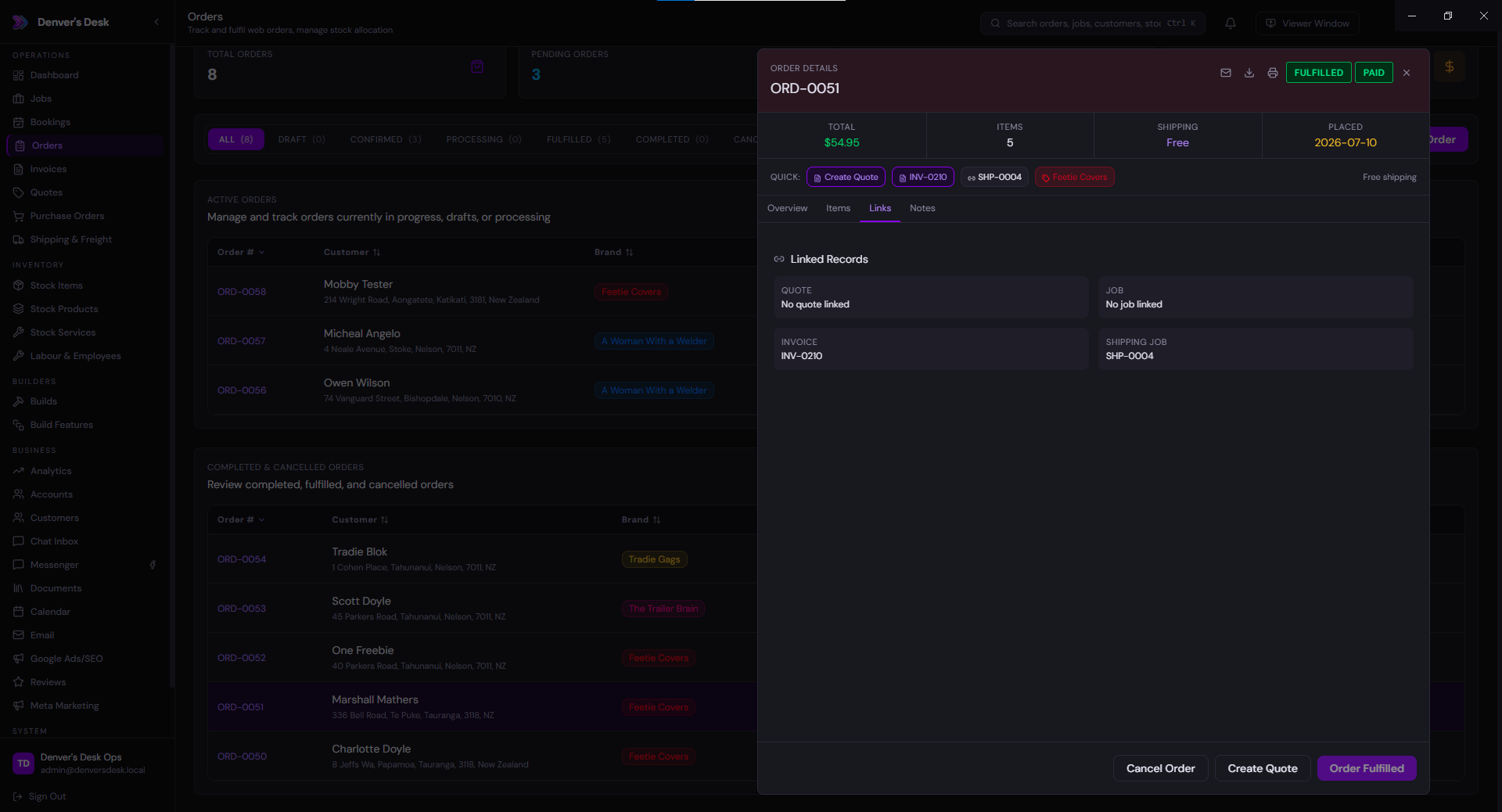
Packed quantities, packaging and order references can be reviewed together before the parcel leaves.
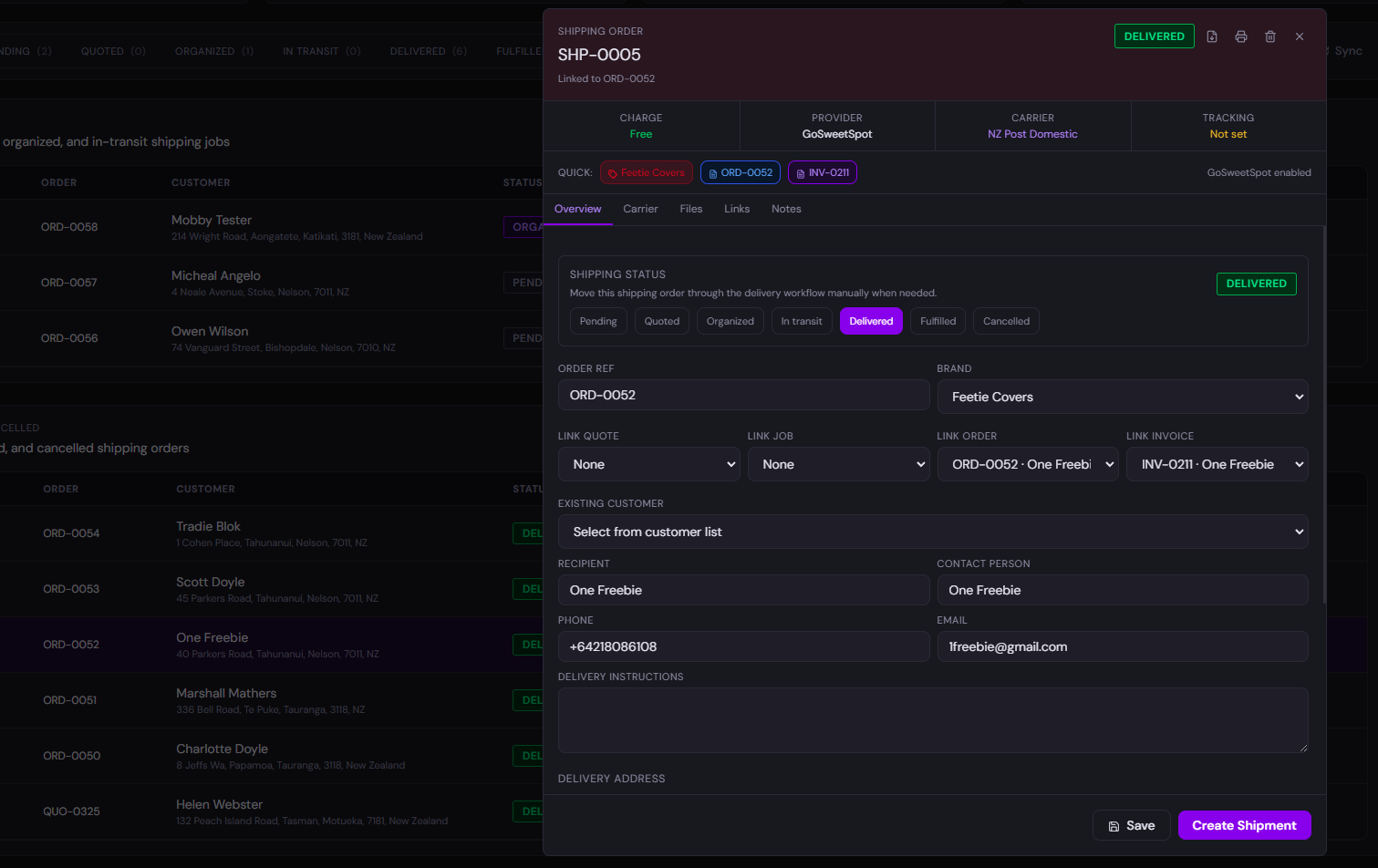
The shipment belongs to its order and the outgoing stock movement. Carrier APIs are optional by configuration.
Count variances, returns and adjustments retain who made the entry and why. Correct a confirmed movement with a linked reversal.
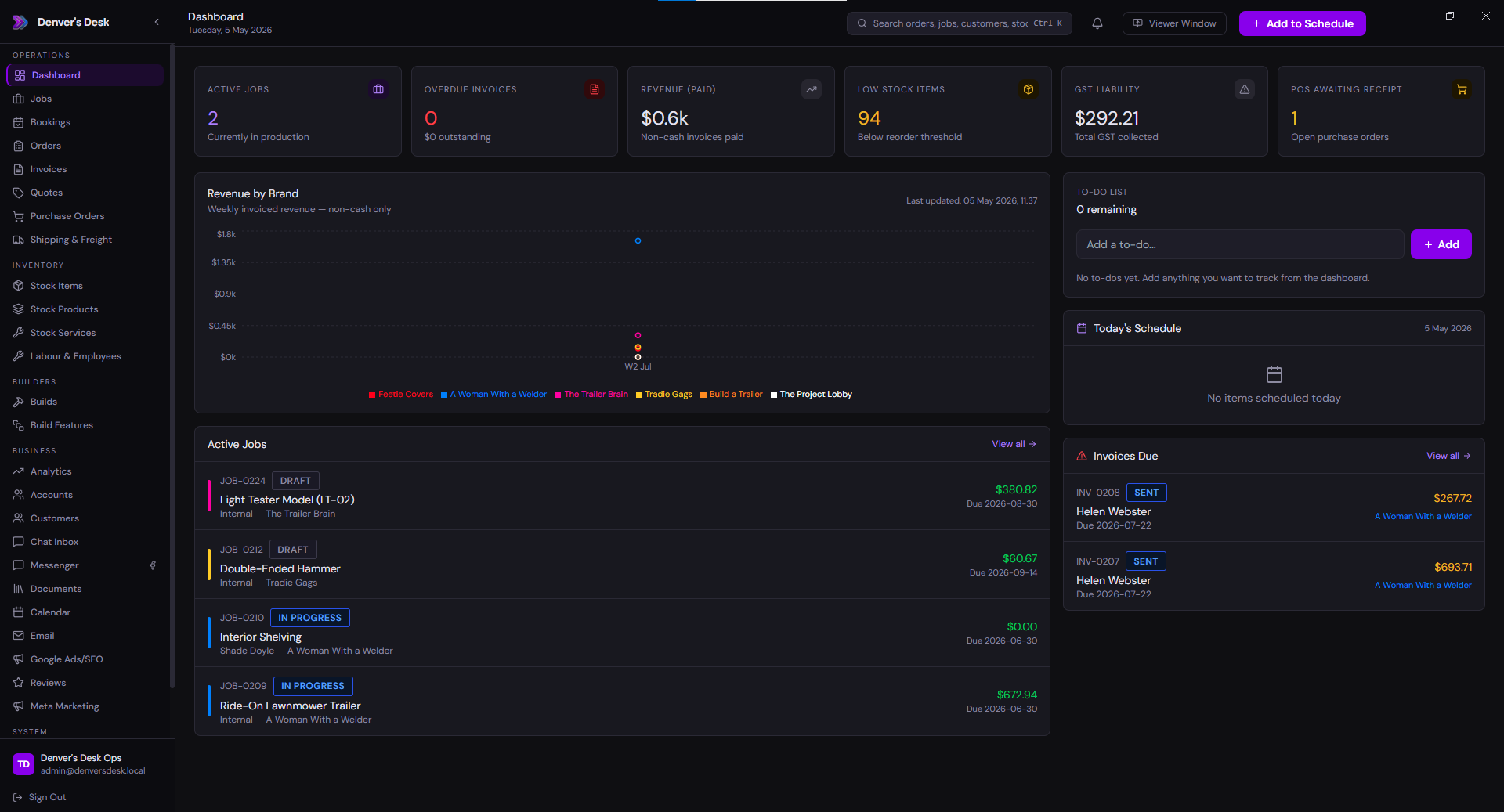
A pallet lands at the door. Your team needs to receive it, find it tomorrow, pick the right quantity, and explain every adjustment.
↗01 / FOLLOW THE WORK
Pick a stage. See the work, the records that enter and leave it, and the Denver's Desk modules that fit.
SUPPLIER → PHYSICAL STOCK
Match goods against the order, record what arrived and flag a short or damaged delivery rather than pretending it is complete.
How the system should behave Supplier order quantities are the commercial source. Physical reception records the real arrival; discrepancies must remain discoverable.
RECEPTION → LOCATION
Use flat location and bin codes so a box has an understandable home, whether that is a shelf, a rack or another authorised location.
How the system should behave A warehouse location is an operational dimension, not a new company or a customer. Scannable labels and serial policies are configuration-dependent.
DEMAND → FULFILMENT
Turn demand into a pick list, help staff collect the right items and keep the movement linked to the order.
How the system should behave Reservations, approvals and packaging differ by installation; do not assume stock is committed until the configured movement occurs.
GOODS OUT → RECORDS
Dispatch, record carrier details and use stocktake to investigate the differences between the shelf and the system.
How the system should behave Carrier/API connections are optional. The stock ledger must retain attributable movements and reversals. Stocktake corrections need a time, person and reason; counts must not silently erase history.
02 / THE WHOLE PICTURE
This is why a modular ERP is different from buying five unrelated tools.
Different departments can share one trace: supplier order → receipt → location → picking → dispatch.
This is an operational configuration example. Barcode hardware, carrier APIs, serialisation, reservations and QA rules need an agreed implementation.
These example pages are for design and fit review. The platform technical guide explains the wider architecture; the services card demo explains migration and implementation.
03 / MAKE IT YOURS
Start with some relevant modules, change anything that doesn't fit, and get a real quote rather than a fictional preset package.